

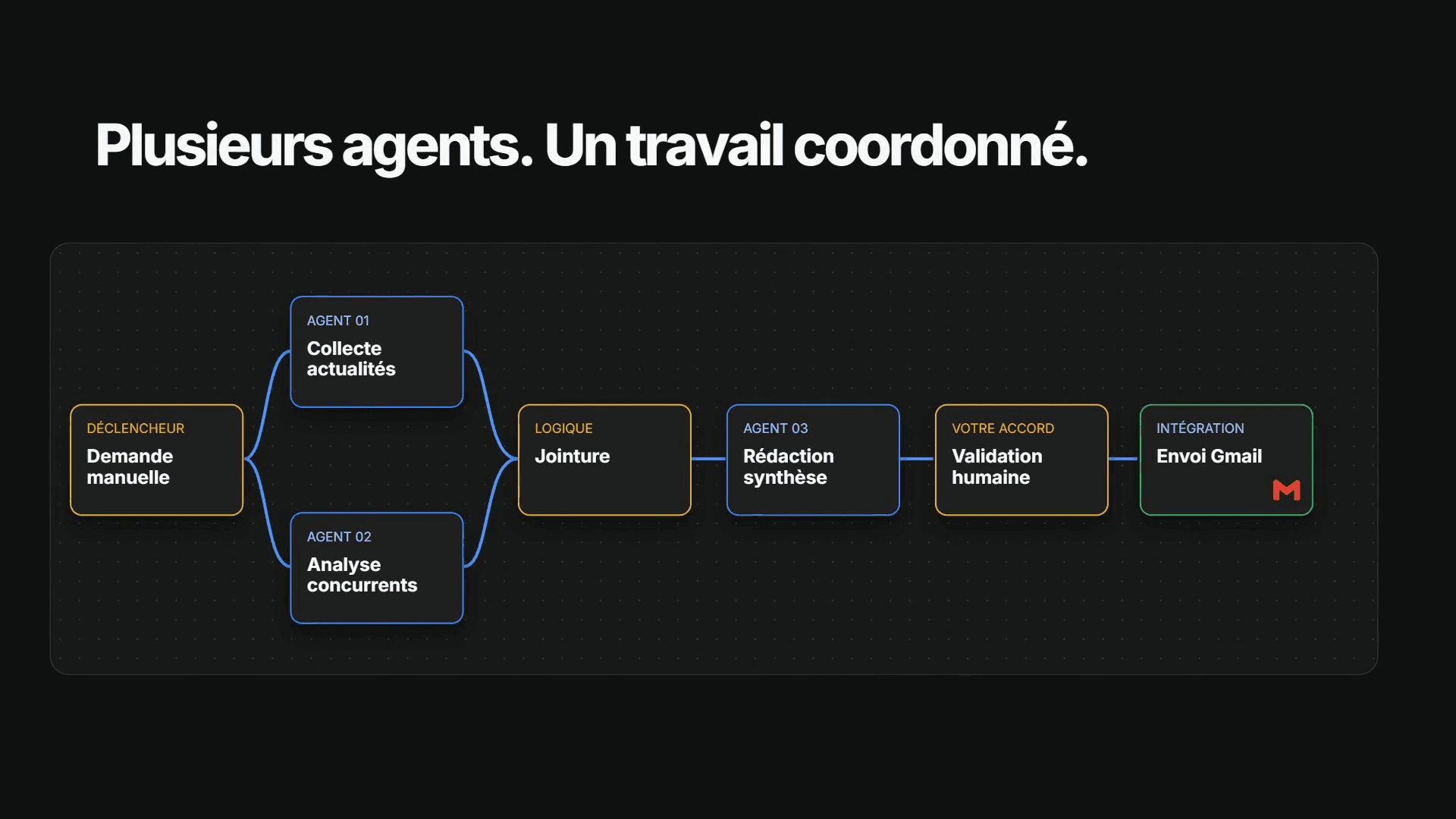
Coordinated agents · Human approval
Orchestration: your agents work together
In Ateliers, build a workflow around your process: agents working in parallel, combined results and human approval before sensitive actions.
Albi Desktop
Give it a task: Albi works with your files and tools, then brings you a result to review.
Access AlbiFrequently asked questionsNexfire account required. Access depends on your subscription or preview conditions. Available versions are listed in your account.
One request can become coordinated work, reusable methods and concrete results.
Coordinated agents · Human approval
In Ateliers, build a workflow around your process: agents working in parallel, combined results and human approval before sensitive actions.
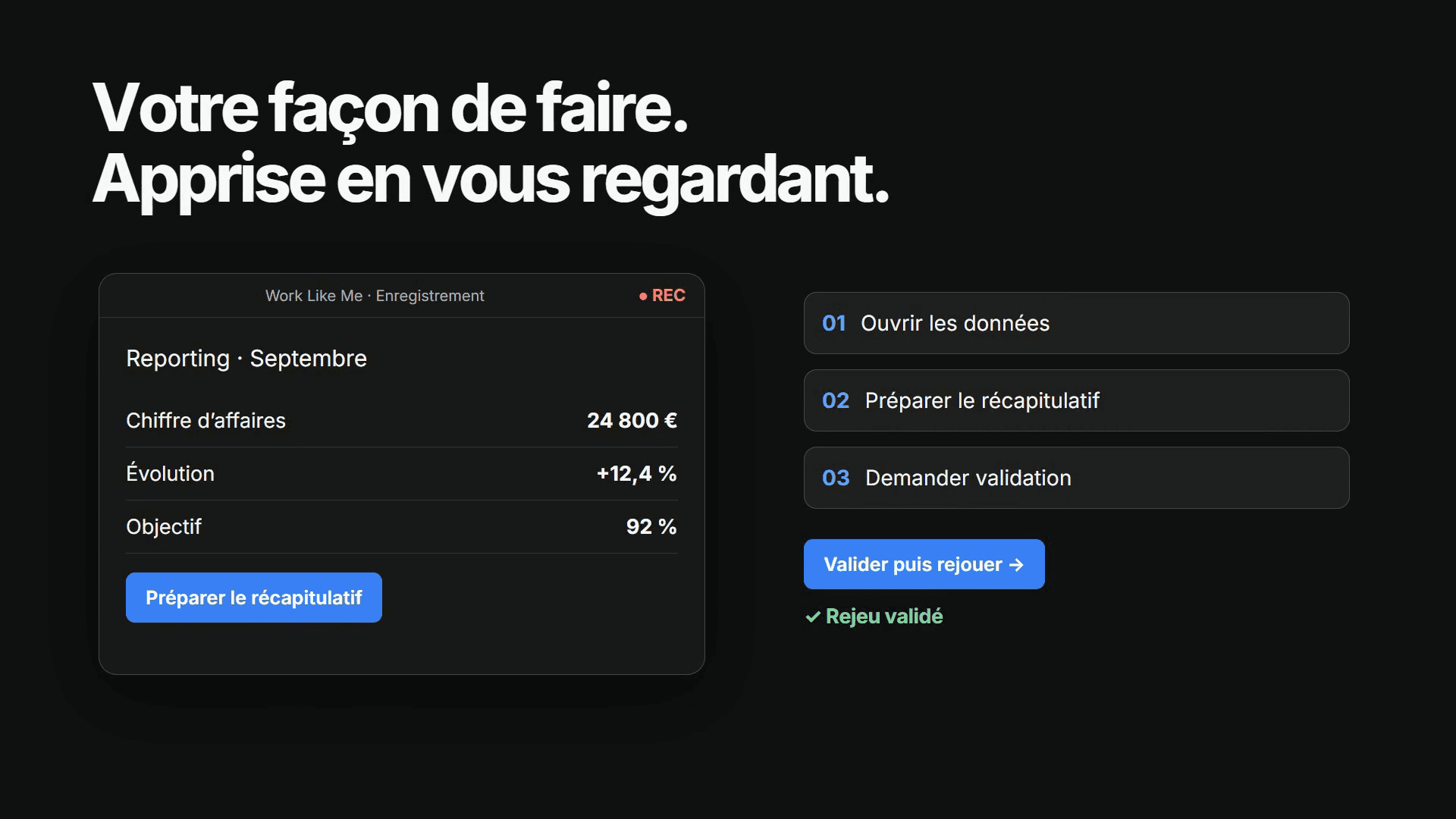
Record · approve · replay
Work Like Me extracts the steps of a task you demonstrate, then lets you approve the workflow before replaying it.
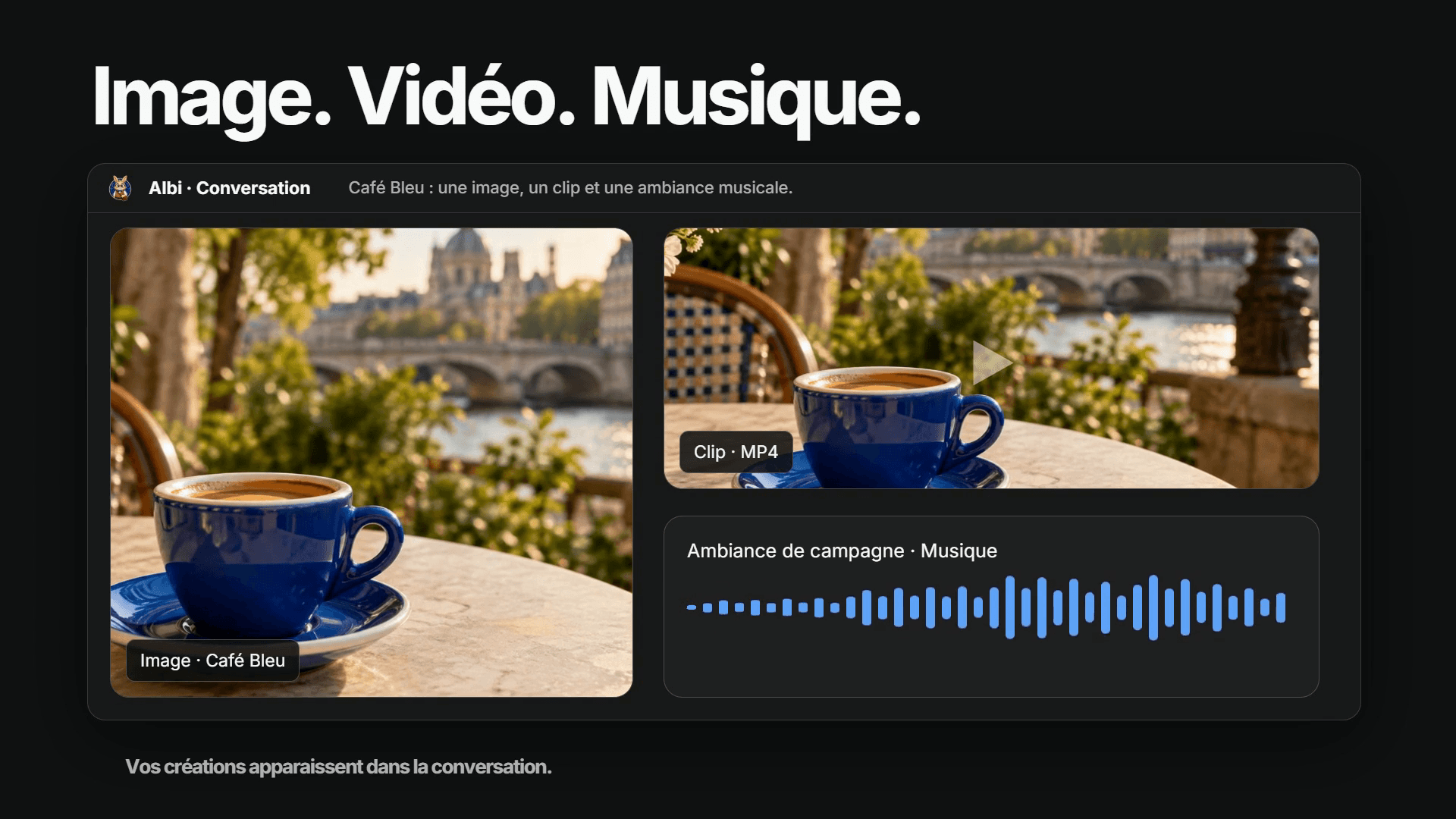
Image · video · music
Ask an agent for an image, video or music. Find the previews and files in the conversation.
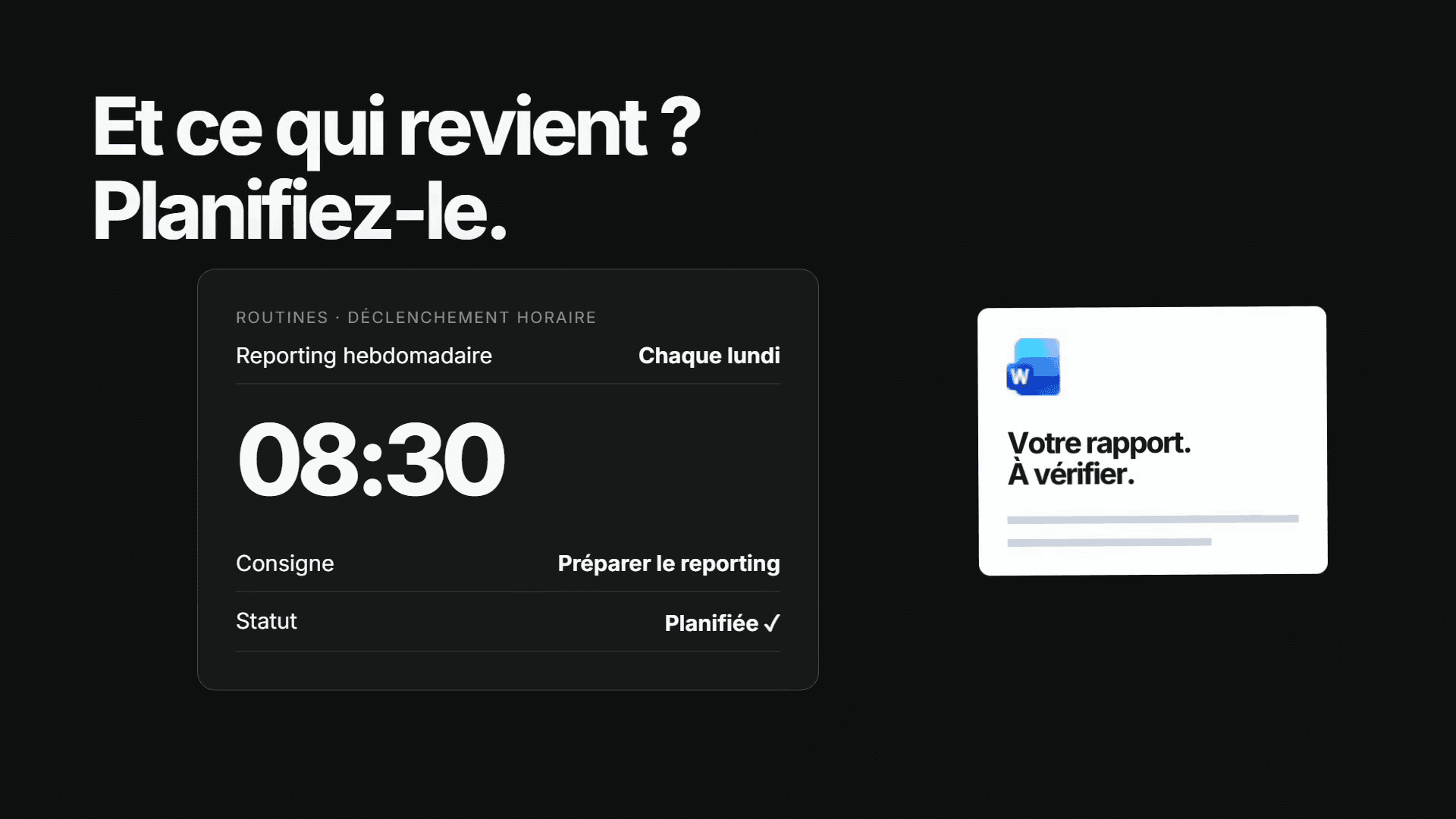
One task, every week
Create automations and routines so Albi can handle the tasks that keep coming back.
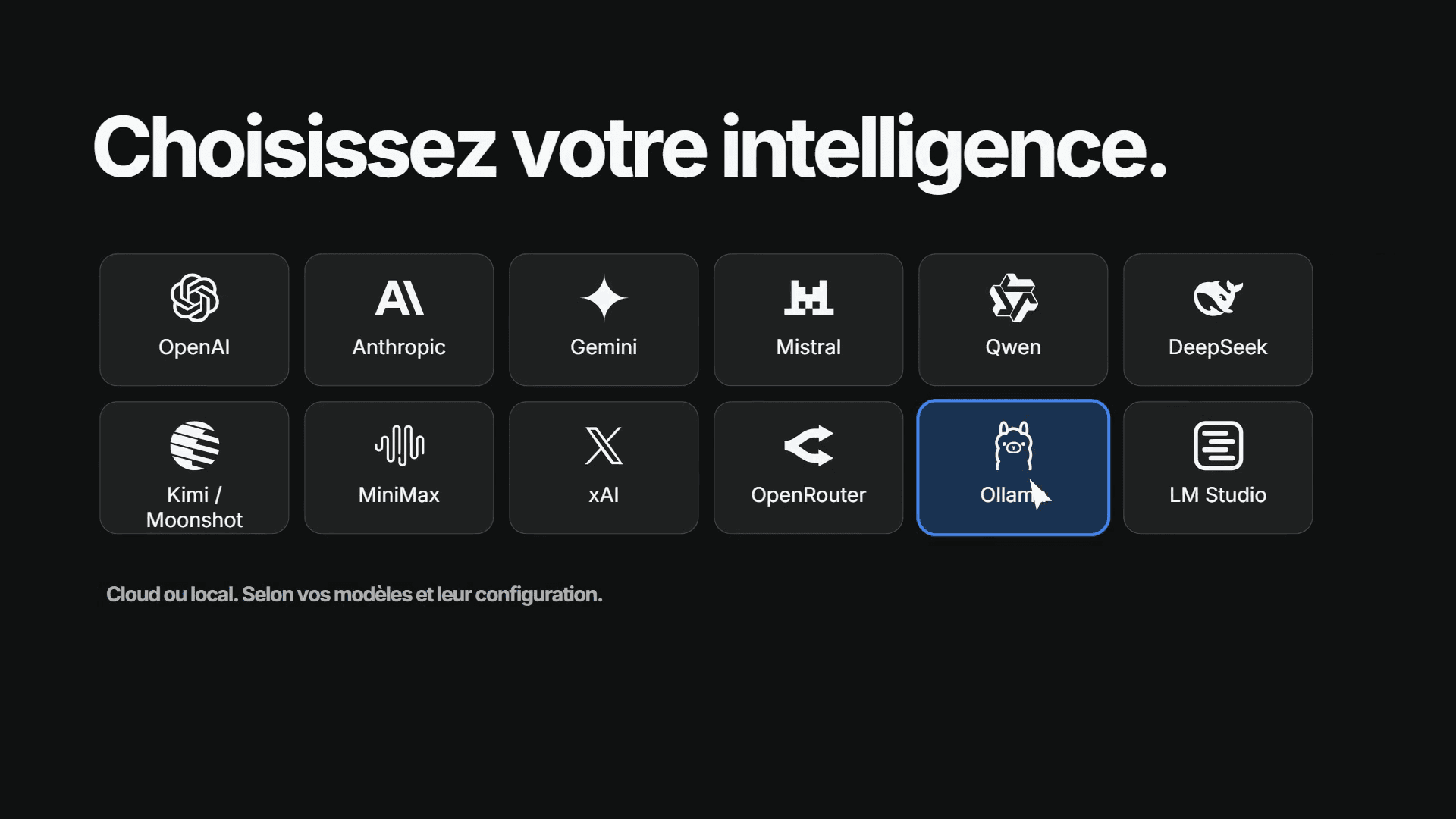
Cloud · local
Use different AI providers or a local model, depending on the required capabilities and your setup.
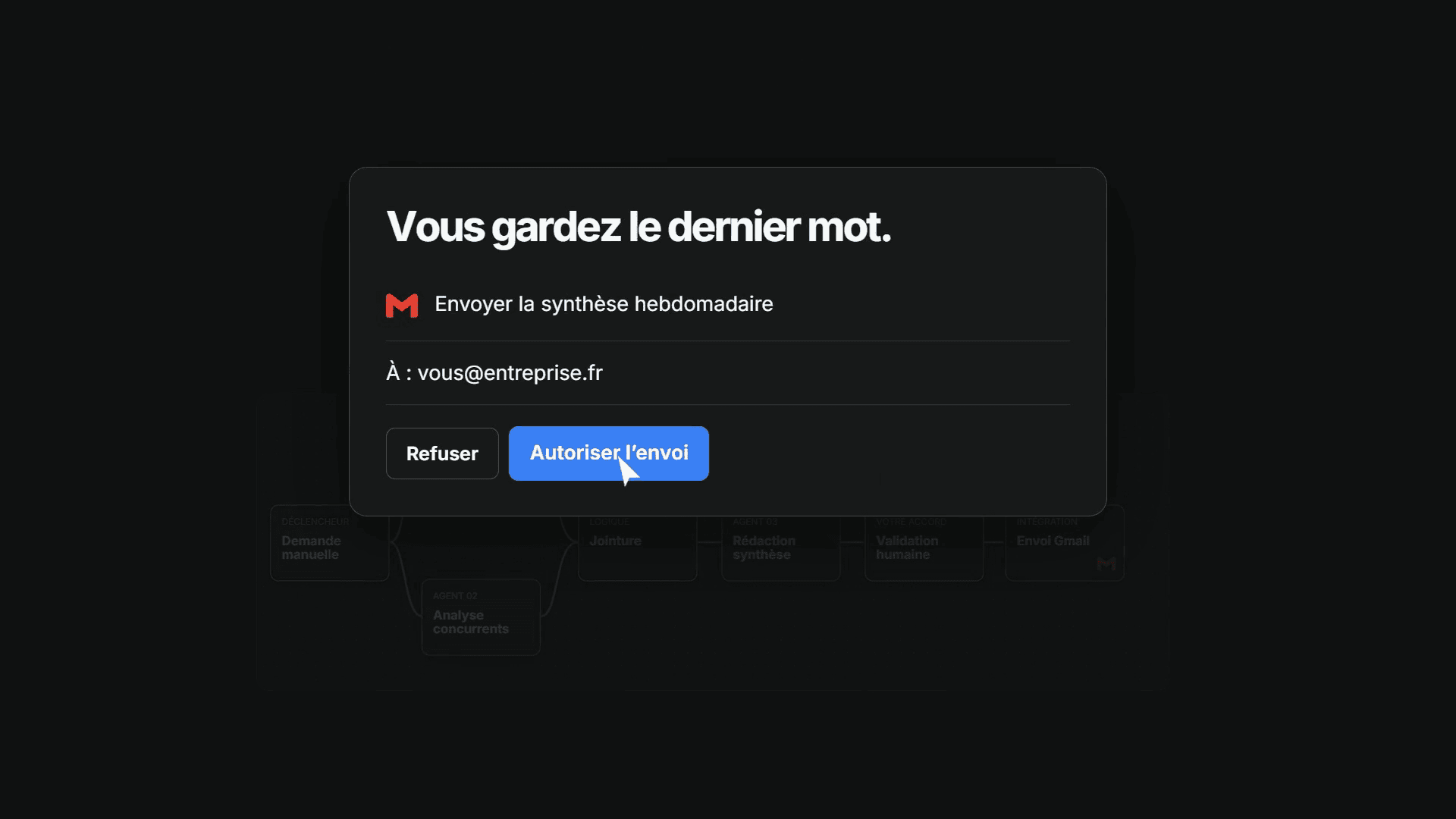
Scope · approval · history
Define the working scope, review permission requests and revisit your decisions. In the workflow shown, the email waits for your approval.
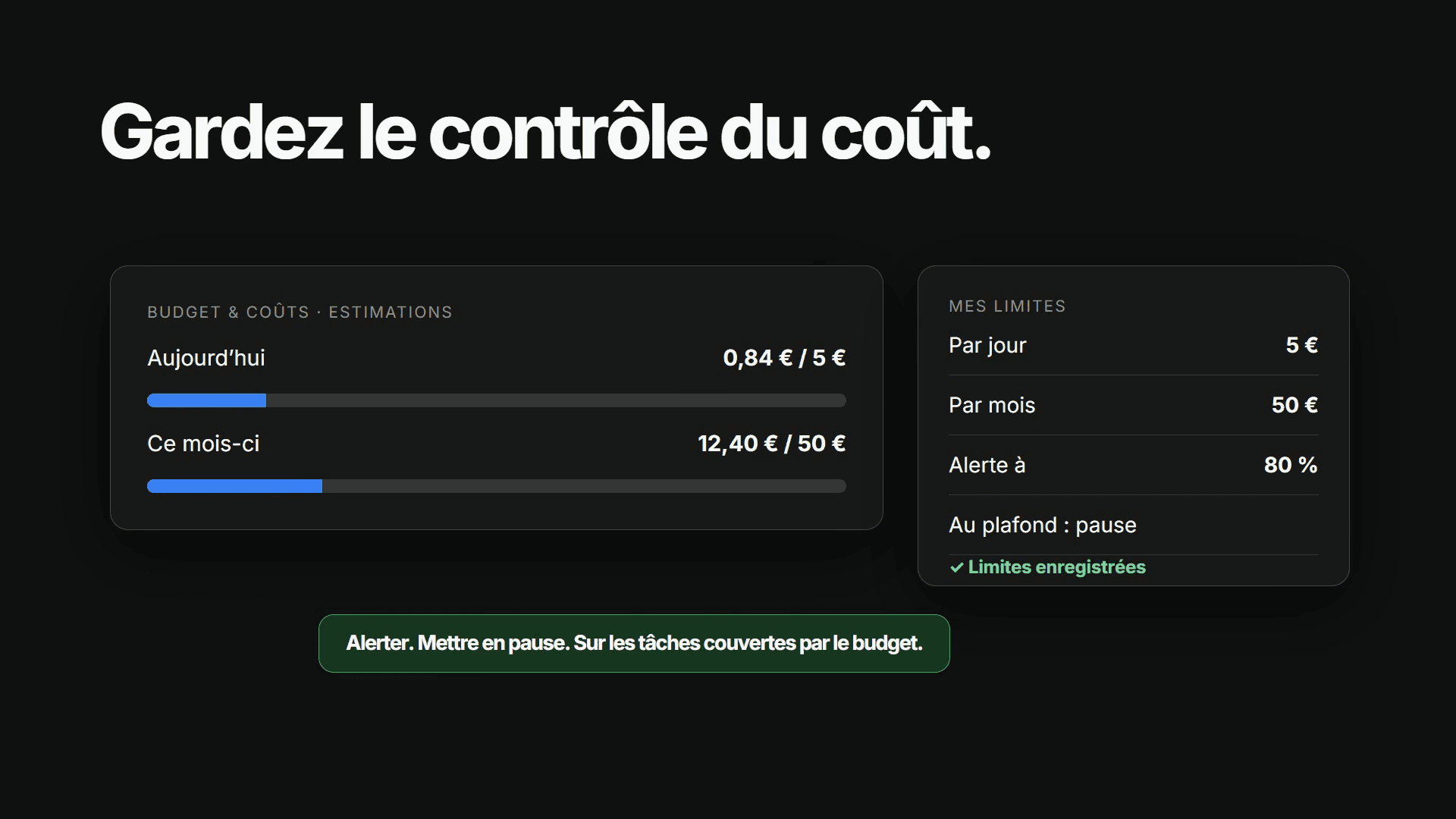
Tracking · limits · pause
Track estimated costs for Albi tasks, set daily and monthly limits, then choose a notification or a pause. Ateliers token budgets are tracked separately.
Albi’s runtime runs on your computer. This does not mean all data stays there: AI providers and connected services may receive information needed for the task. Choose your connections and models according to your requirements.
Find Albi in your Nexfire account and move from exploring it to working on tasks on your computer.
Access Albi